
5 Printing Mistakes That Are Costing Your Business Money
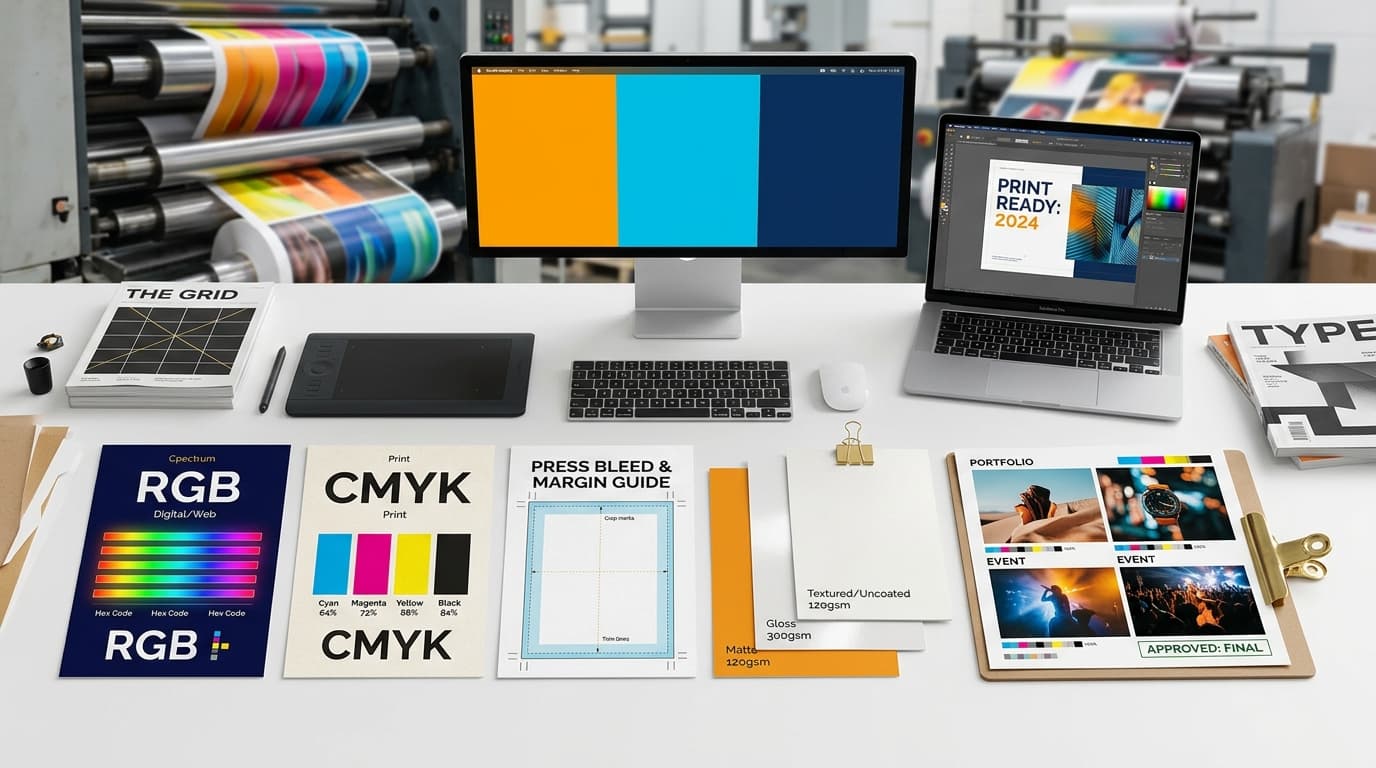
A print is often the first physical thing a customer holds from your business — a visiting card, a menu, a banner outside your shop. Small mistakes in how a file is prepared don't just look unprofessional, they cost real money in reprints and wasted stock. Here are the five mistakes we see most often, and exactly how to avoid each one.
1. Designing in RGB Instead of CMYK
Your screen builds color out of red, green, and blue light (RGB). A printing press builds color out of cyan, magenta, yellow, and black ink (CMYK). Those are two different systems, and RGB can represent colors — especially bright blues, neon greens, and deep purples — that CMYK ink simply can't reproduce. Design a file in RGB and send it straight to print, and you'll often see those vivid colors turn dull, shift hue, or come out muddier than expected.
The fix is simple: set your design software's color mode to CMYK before you start designing, not after you're finished. If a specific color — like your logo's exact shade of blue — has to match precisely every time, ask for a physical proof rather than trusting how it looks on screen.
2. Skipping Bleed and Safe Margins
Cutting machines are precise, but not perfect — they can be off by a hair's width. "Bleed" means extending your background color or image about 3mm past the edge of your design, so that tiny cutting variance never exposes a sliver of white paper. "Safe margin" is the flip side: keeping important text and logos a comfortable distance from the edge so nothing risks getting trimmed off.
Skip both, and you risk a run of visiting cards or flyers with a thin white line down one side, or a phone number that's been sliced in half. Always design with bleed and safe-margin guides turned on, or ask your printer for a ready-made template sized for your exact product.
3. Using Low-Resolution Images
A photo or logo that looks perfectly sharp on a phone or laptop screen (which displays around 72 DPI) can turn blurry and pixelated the moment it's printed at full size, because print needs roughly 300 DPI to stay crisp. This is the single most common reason a client's own logo — often saved small for a website — comes back looking soft on a banner or box.
Before sending a file to print, always use the highest-resolution version of any photo or logo you have, and avoid stretching a small image to fill a much larger space. If you're not sure whether an image is print-ready, ask your printer to check it before the job goes to press — it's a five-minute check that saves an entire reprint.
4. Choosing the Wrong Paper or Finish for the Job
Not every print job wants the same paper. Glossy finishes make photos pop and colors look vibrant, but they can glare under bright light and show fingerprints. Matte finishes are easier to write on, photograph better in photos and videos, and feel more premium for some brands. Card weight matters too — a flimsy 150 GSM visiting card feels forgettable, while 300–350 GSM card stock feels substantial the moment someone picks it up.
Rather than guessing, describe what the print is actually for: handed out at a networking event, mailed in an envelope, displayed outdoors in the sun, or stuck on a product. A good printer will recommend the right stock and finish for that specific use, not just the cheapest default.
5. Not Requesting a Proof Before a Big Run
Skipping a proof to save a day feels efficient — until a mistake in the file gets multiplied across 500 visiting cards, a large banner, or a bulk order of custom t-shirts. A wrong phone number, a color that came out differently than expected, or text that got cut off are all things a two-minute proof check catches before they become an expensive reprint.
Always ask for a digital or physical proof on anything beyond a small test run, and actually compare it against your original file line by line before giving the go-ahead. It's the cheapest insurance in the entire printing process.
At Pixel Digital, every file that comes through our shop in Janakpurdham gets checked against these five points before a single sheet goes to press — it's part of why our reprint rate stays low and our customers keep coming back. If you're not sure whether your own file is print-ready, send it our way and we'll check it for free before you order.
Ready to print it right the first time?
Talk to our team in Janakpurdham or browse the shop to get started.